
The Modern WhatsApp Status Saver for Android
Don’t let memorable status stories disappear after 24 hours. WP Status Saver lets you discover, preview, and batch save viewed WhatsApp photos and videos directly to your device gallery in original resolution.

Save Viewed Media with Zero Quality Loss
WhatsApp status updates automatically expire after 24 hours. While other methods like taking screenshots or recording your screen result in blurry crops and missing audio, WP Status Saver gives you direct access to the actual media file:
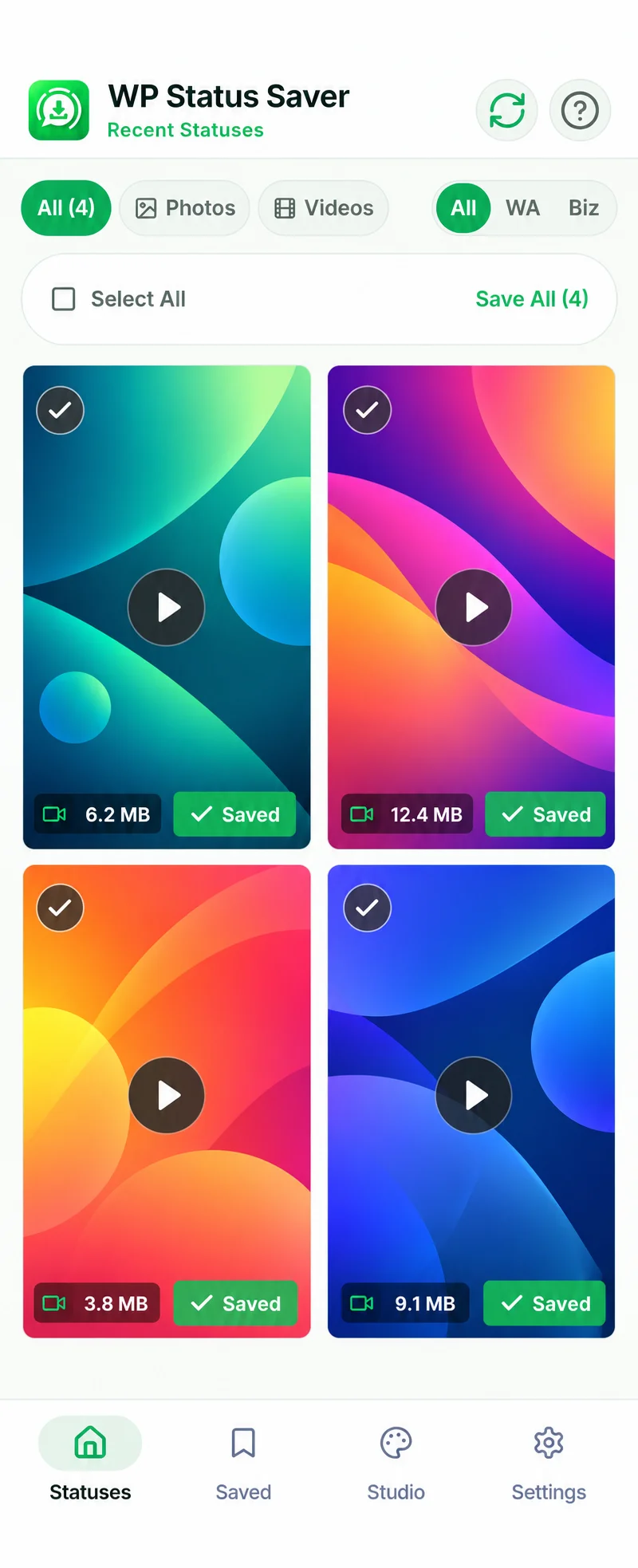
How Status Saving Works (View First in WhatsApp)
WhatsApp only saves media to your phone’s local temporary cache after you watch it inside the official WhatsApp app. Because of this:
- Open your official WhatsApp app and watch the photo or video status update from your contact.
- Open WP Status Saver. The app automatically scans your authorized WhatsApp status cache.
- Tap any item to preview it in full-screen HD, or tap the download button to save it directly into your device gallery.
Why WP Status Saver Outperforms Screenshots
Common Questions About WhatsApp Status Saving
How do I save a WhatsApp status using WP Status Saver?
First, open WhatsApp and view the status story (photo or video) completely so Android downloads it to temporary storage. Then open WP Status Saver, tap on the media to preview it in full HD, and press the Save button to store it in your phone gallery.
Why is using WP Status Saver better than taking screenshots or screen recording?
Screenshots capture on-screen UI overlays, compress image quality, and cannot capture videos. Screen recordings often lose audio sync and introduce heavy compression artifacts. WP Status Saver accesses the original, lossless file cached by WhatsApp with full audio and native resolution.
Can someone see that I saved their WhatsApp status?
When you view the status inside WhatsApp, WhatsApp records your view receipt normally according to your WhatsApp privacy settings. WP Status Saver operates strictly on locally cached files on your phone; it does not connect to WhatsApp servers or notify the contact.
Can I save multiple status photos and videos at once?
Yes. WP Status Saver features a 1-tap Batch Download mode. You can multi-select all the photos and videos you want to keep and save them to your gallery simultaneously.
Explore Related Android Guides & Tools
WhatsApp Business Saver
Save vendor product catalogs, flash sale flyers, and business video updates.
How It Works Guide
Step-by-step walkthrough of Android 11 to 16 Storage Access Framework setup.
9:16 Studio Creator
Design aesthetic vertical status story posters with quotes and gradients.
Ready to Save Your WhatsApp Statuses in HD?
Download WP Status Saver today for Android 7.0 to Android 16. Free, secure, and operates 100% on your device.